One sentence
For captions, listings and link previews.
studio.live is a browser video wall: open a folder of ten thousand videos, watch them all at once, and nothing is uploaded.
MEDIA KIT
studio.live opens a folder of ten thousand videos and plays all of them at once — a wall you navigate like a map. It runs entirely in the browser; nothing is uploaded. Everything below is cleared for editorial and press use.
FULL PRESS KIT
One ZIP with everything on this page: the logo files (SVG and PNG), the product screenshots, the three product descriptions, the fact sheet and the brand guidelines. The text files are in English.
↓ Download the press kit (ZIP)KEY FACTS
PRODUCT DESCRIPTIONS
The same description at three lengths, ready to paste. Every claim is one the product pages already make; none is an estimate.
For captions, listings and link previews.
studio.live is a browser video wall: open a folder of ten thousand videos, watch them all at once, and nothing is uploaded.
For directories and press blurbs. One paragraph.
studio.live is a video wall that runs entirely in your browser. Open a folder of ten thousand videos and watch all of them at once, zooming like a map from a field of swatches to full playback. Filters dim what does not match instead of hiding it, so you find a shot by eye. Files are read in place and never uploaded. It is free to open, with Pro for archives that outgrow the free plan.
For articles and press pages. Four paragraphs.
studio.live is a browser-native video wall for people who have more footage than they can browse. Open a folder of ten thousand videos and the whole collection plays at once on one GPU-rendered canvas. You zoom like a map: from far away every clip is a swatch, closer in it wakes into a thumbnail and then a sprite, and at full zoom it plays live.
The wall is built to be read by eye. Filters dim the clips that do not match instead of hiding them, so results stay in context and the collection never empties. Arrange clips in space, group them into collections and save the layout: close the tab, reopen it tomorrow, and the same wall comes back with the same positions and the same zoom.
It is local-first. Files are read in place from your folder, thumbnails and the search index are built and stored on your device, and everything keeps working offline. There is no server to trust and nothing is uploaded. studio.live also opens onto Explore, curated walls of openly licensed footage and official embeds where one press of Play starts every embedded player together, and a benchmark mode shows how many videos your machine can play at once.
It is built for editors hunting one shot across years of projects, VJs assembling a set from loops, motion designers auditioning renders side by side, ML teams reviewing generated video, and archivists who want to see a whole collection. studio.live is free to open; Pro lifts the free plan’s local clip limit, and Studio, Business and Enterprise plans are available. studio.live is a brand of Asrosan LLC.
FACT SHEET
The facts for a caption or an infobox. The company and legal facts come from our company record and are never translated.
KEY FEATURES
THE WORDMARK
studio.live
Always lowercase. The full stop is a broadcast tally light — the one live thing in the name. On the site it is set live in Archivo; the downloads below are outlined from that same face, so they need no font. Keep at least the dot’s diameter of empty space on every side; below 96px wide, switch to the tally dot.
LOGOS & MARKS · THREE ZOOM LEVELS
Zoomed out you read the name; at icon size you see the wall with one clip live; at 16px only the tally light survives — and it is enough. The icon field is #16181C on every platform and does not follow the UI theme.
LOGO ALTERNATIVES · 4 LOGOS × 4 GROUNDS
Four logos, each on four grounds, every file as SVG and PNG. The wordmark files are outlined from Archivo, so they need no font. The three marks carry their own fixed booth-black field, so each is the same file on dark, on light and on footage.
PNG is 2048px wide for the wordmark and 1024px square for the marks, transparent wherever a ground has no field. Keep the dot’s diameter of clear space around the wordmark.

Default. Signal-white type and tally dot, on booth black.

Dark type. The dot deepens for contrast, here only.

Bottom-start on a dark scrim, transparent above it.

One ink: the dot joins the type. No field, no red.
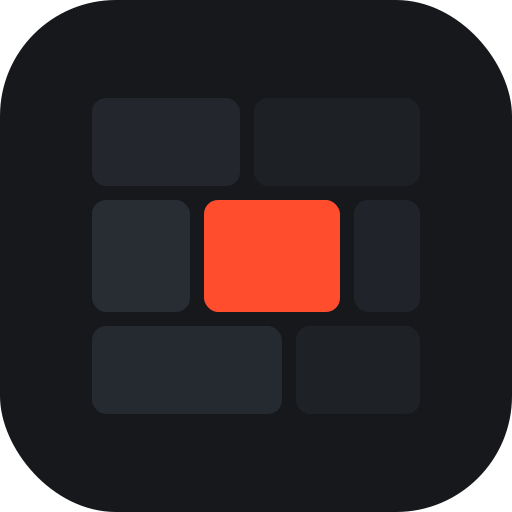
Same file on every ground: the mark carries its own field.
Same file on every ground: the mark carries its own field.
Same file on every ground: the mark carries its own field.
The tally is live, and only live: never recolour the dot. One colour is defined for the wordmark only.

Same file on every ground: the mark carries its own field.

Same file on every ground: the mark carries its own field.

Same file on every ground: the mark carries its own field.
The tally is live, and only live: never recolour the dot. One colour is defined for the wordmark only.

Same file on every ground: the mark carries its own field.

Same file on every ground: the mark carries its own field.

Same file on every ground: the mark carries its own field.
The tally is live, and only live: never recolour the dot. One colour is defined for the wordmark only.
BRAND GUIDELINES
The short version. The files in the logo grid already follow these rules; the NEVER list below is the other half.
DO
MASCOT
A tile who wanted to be a wall.
Every wall on studio.live is built from tiles, and every tile plays exactly one clip. Mosa is the tile that kept looking sideways at the others, wondering what it would feel like to be all of them at once.
So Mosa learned to watch. Point at Mosa and the eyes follow; drop footage and the tally light comes on; leave the page and Mosa dozes off with the screen dimmed. Mosa is the small, honest face of a product that runs entirely on your machine — nothing about Mosa phones home either.
Personality
Poses
Nine states, each mapped to a moment in the product. Every pose is one SVG built from the same body, so Mosa is always the same size, the same proportions and the same face.
Breathing bob, a blink every few seconds. The default.
Download SVGRight arm up. Welcomes, sign-in, the empty wall.
Download SVGTally and antenna pulse, eyes wide. Something is recording.
Download SVGThree dots rising off the antenna. Pricing, comparisons.
Download SVGRound glasses and a page. Legal, privacy, enterprise.
Download SVGA magnifier held up to the screen. The storefront.
Download SVGFour tiny tiles thrown in the air. Community, changelog.
Download SVGScreen dimmed, eyes shut, a drifting Z. Maintenance.
Download SVGStatic, X eyes, a jittering frame. The 404 page.
Download SVGAll nine poses ship as separate SVG files; each one is the same drawing the site renders live.
Construction
Drawn on a 120×120 grid. The body is a 84×64 rounded tile (radius 14) with a 68×48 screen inset by 8; the antenna rises 14 units above the tile and carries the 4-unit tally ball.
Strokes are 3 units, always the ink colour. Fills use the design tokens — panel for the body, background for the screen, tally red for the light — so Mosa inherits every theme (dark, light, high contrast) without a second drawing.
Minimum size 32 pixels. Below that the eyes merge; use the tally ball alone as the micro mark.
Colour
Booth black body ink, signal white screen highlights, tally red light. Mosa never gets a colour that a studio.live surface does not already carry.
On light grounds the screen stays dark: Mosa is a screen, and a screen is dark when it shows nothing.
Use
Do
Don't
COLOUR
One red, never adjusted: #FF4D2E on dark, deepened to #D93511 only on light backgrounds for contrast. Every other colour on screen belongs to footage, not to the brand.
click a swatch to copy its hex
TYPOGRAPHY
NEVER
PRODUCT SCREENSHOTS
Real screenshots of the running product, captured from a local build with synthetic demo clips. Cleared for editorial and press use, like everything on this page.
PRESS CONTACT
Interviews and coverage. For anything not covered here — additional formats, product screenshots, or a briefing — reach the team directly. Typical reply within two business days.
hello@studio.live
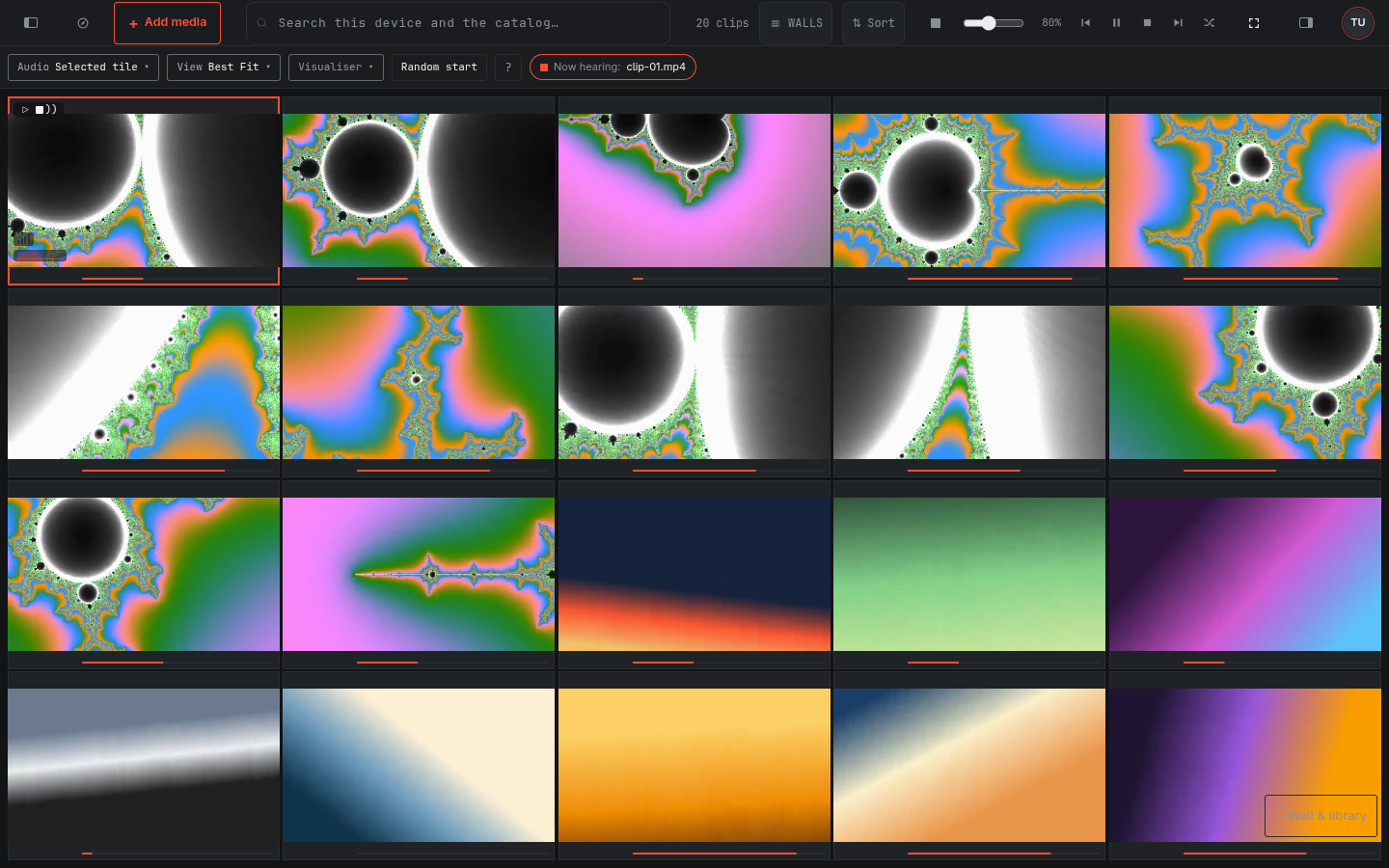 The wall · dark
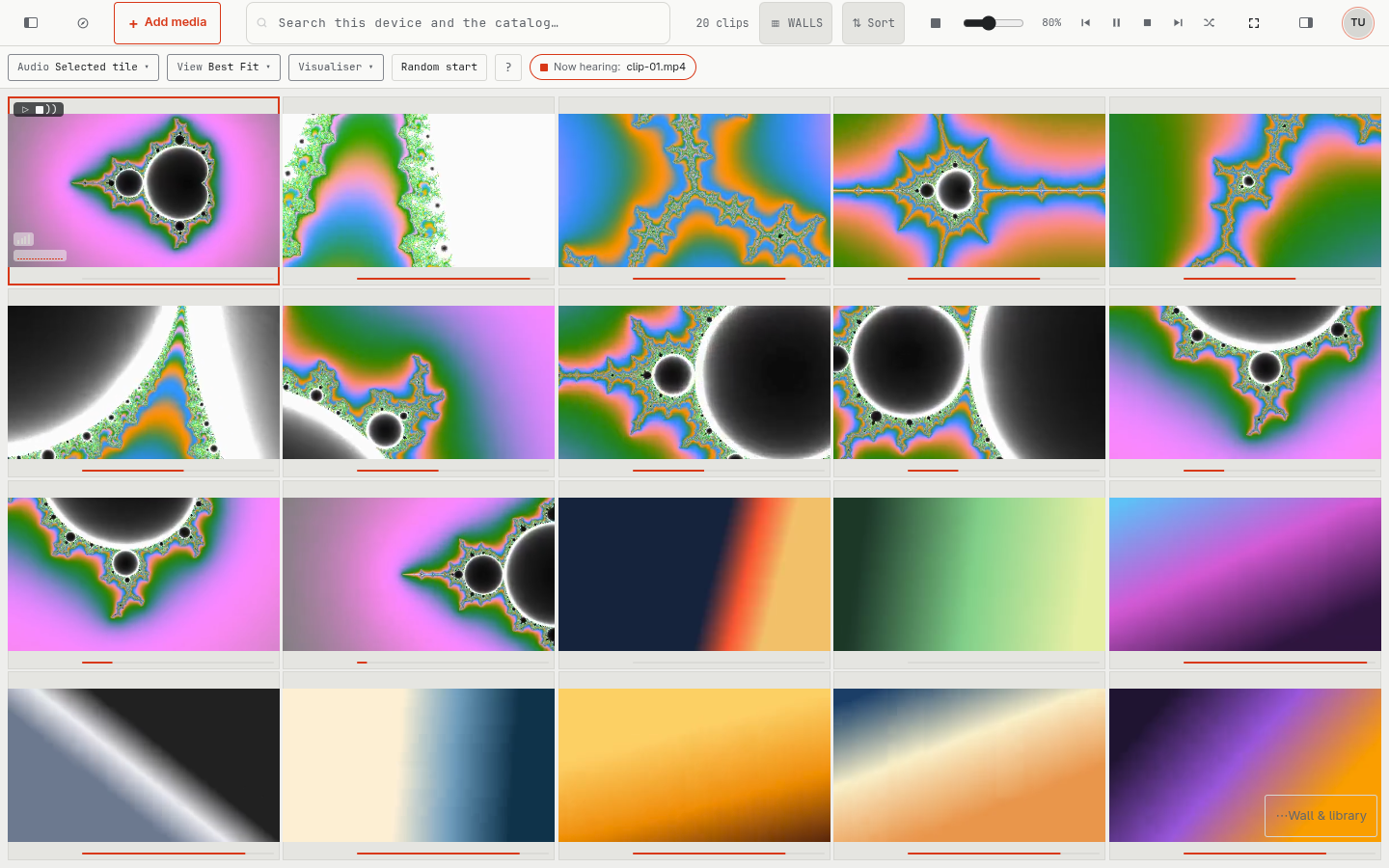 The wall · light
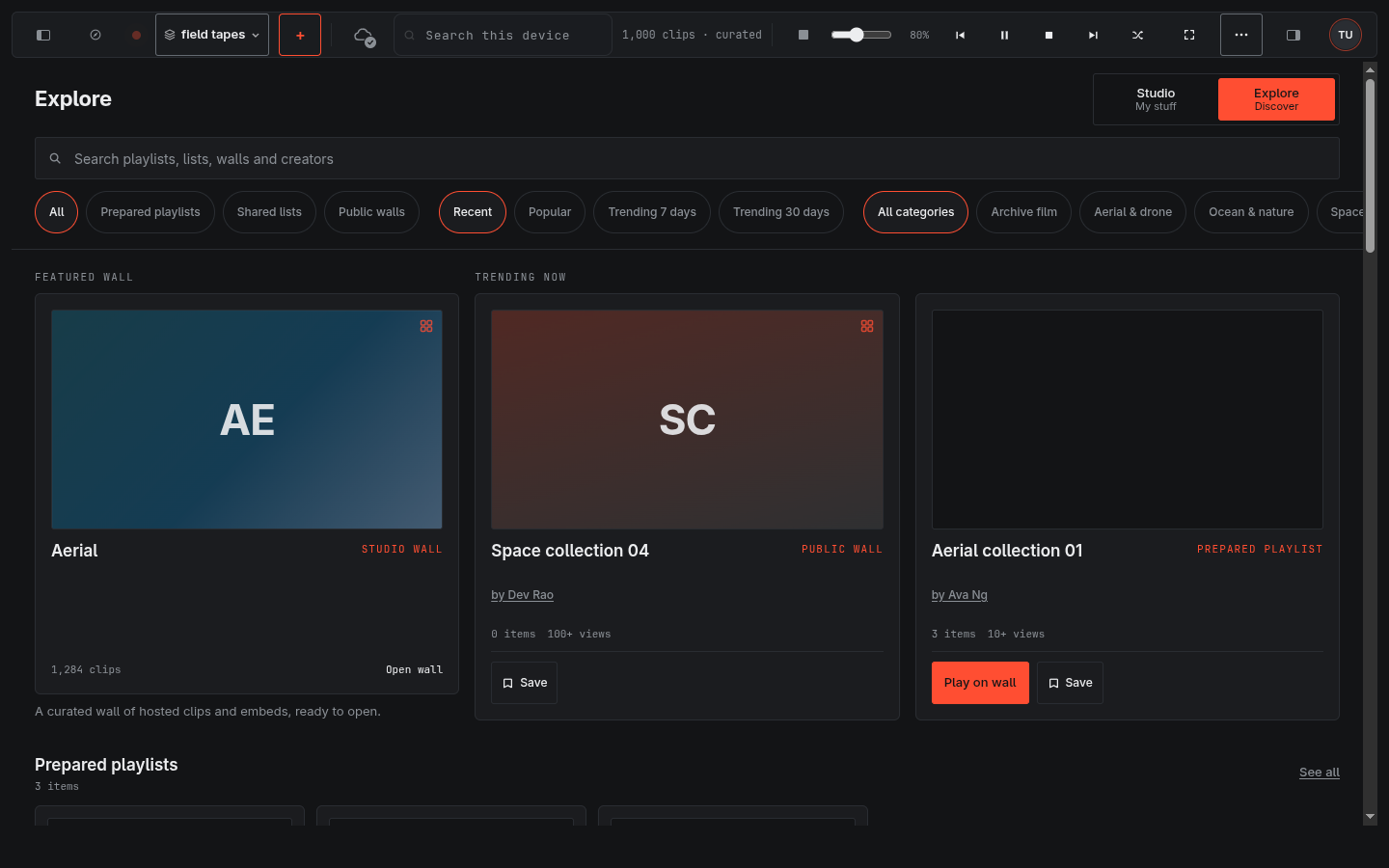 Explore · dark
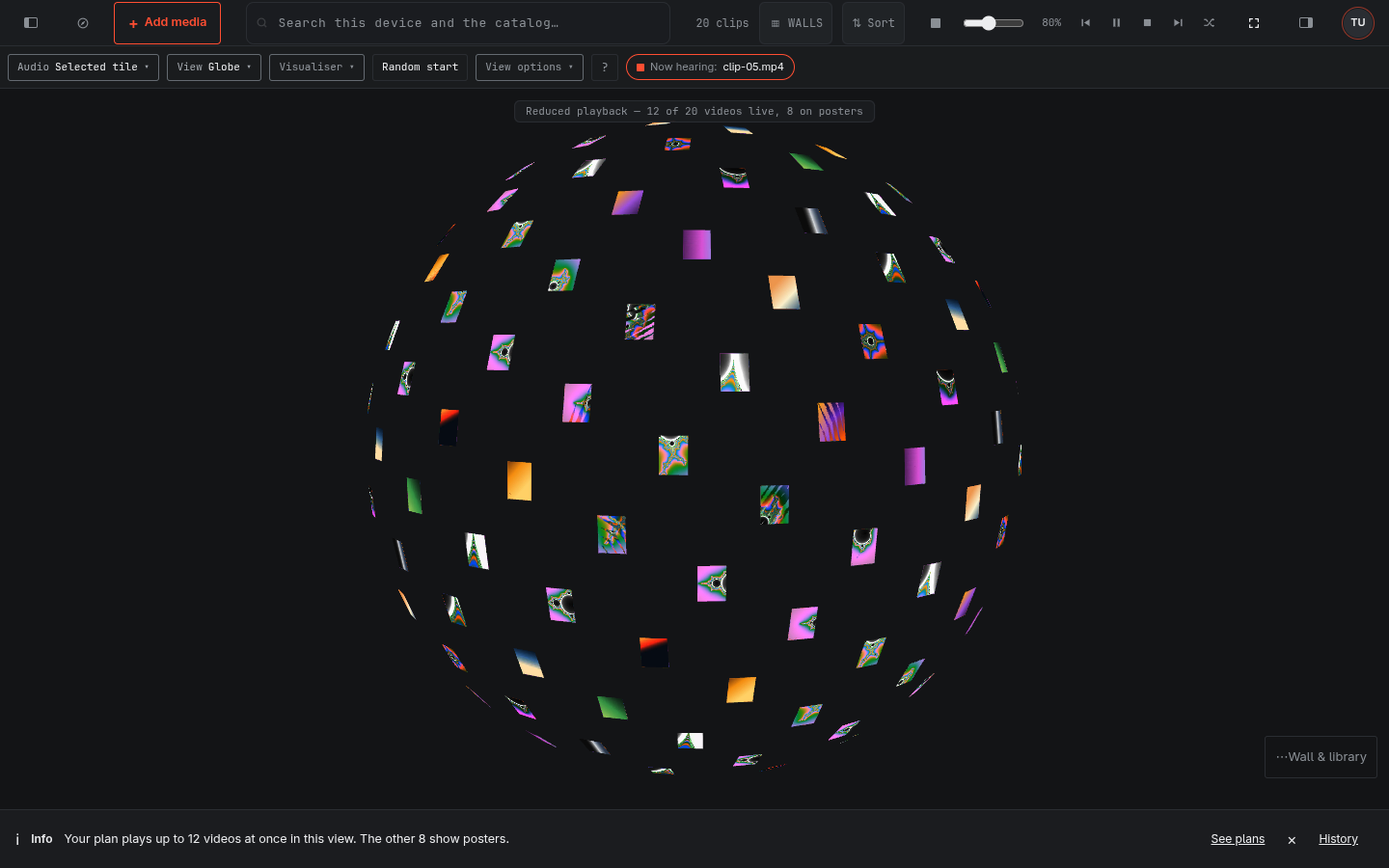 A spatial view · Globe
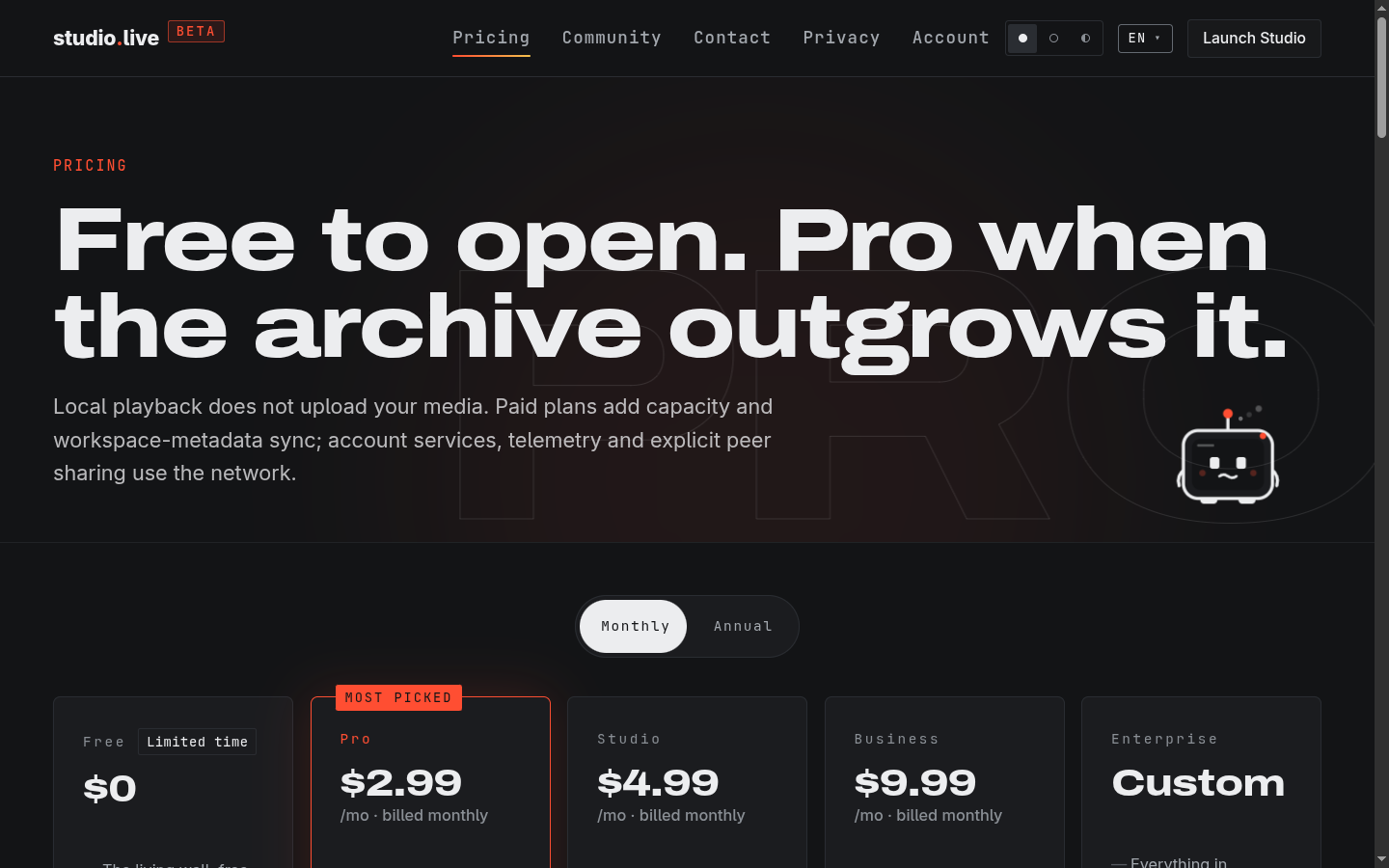 Pricing · dark
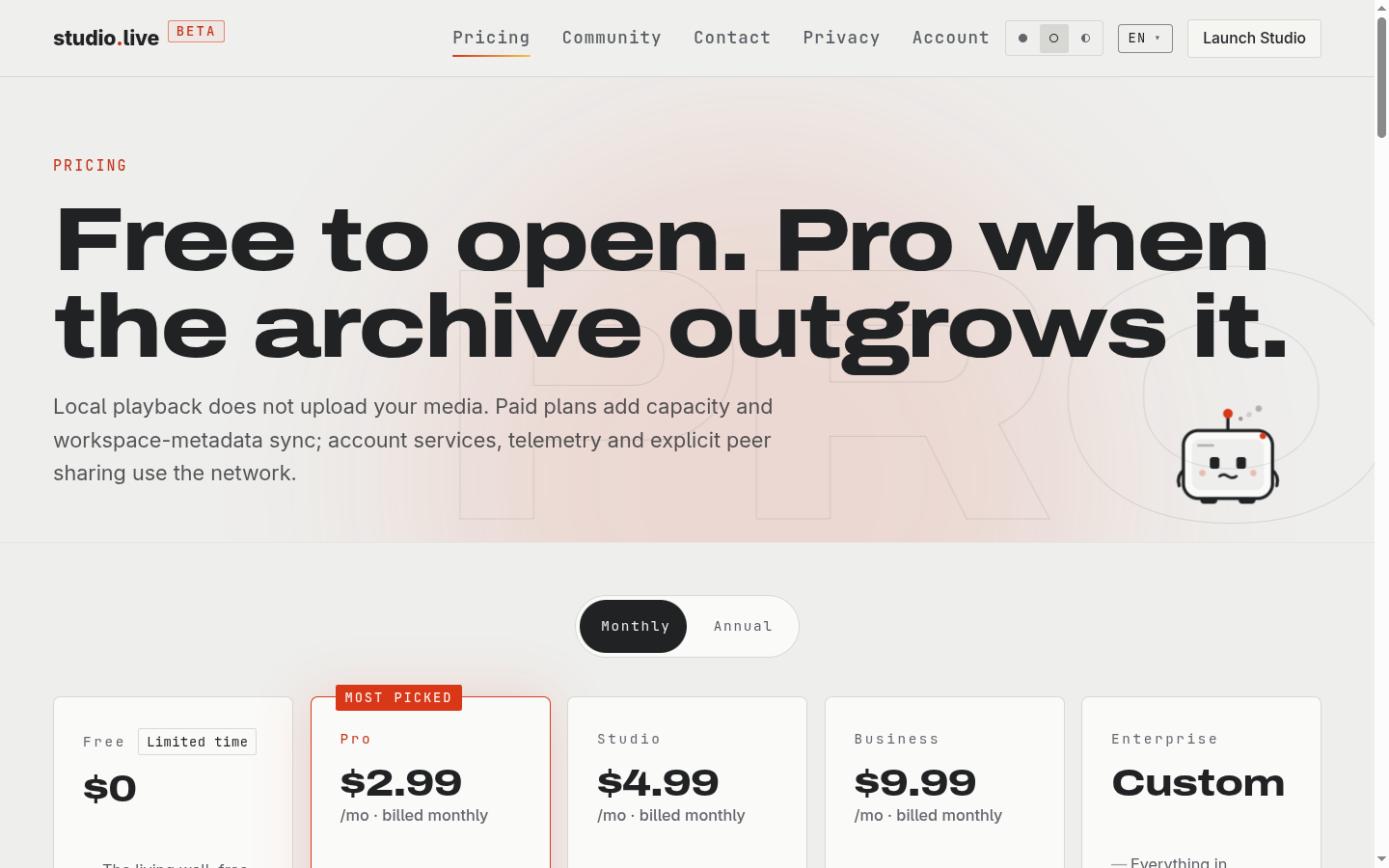 Pricing · light